How to Automate Small Business Admin Tasks in Singapore (A Practical Guide for SME Owners)
Learn how to automate small business admin tasks in Singapore — from CPF submissions to customer comms — with affordable tools, step-by-step guidance, and local platform tips.
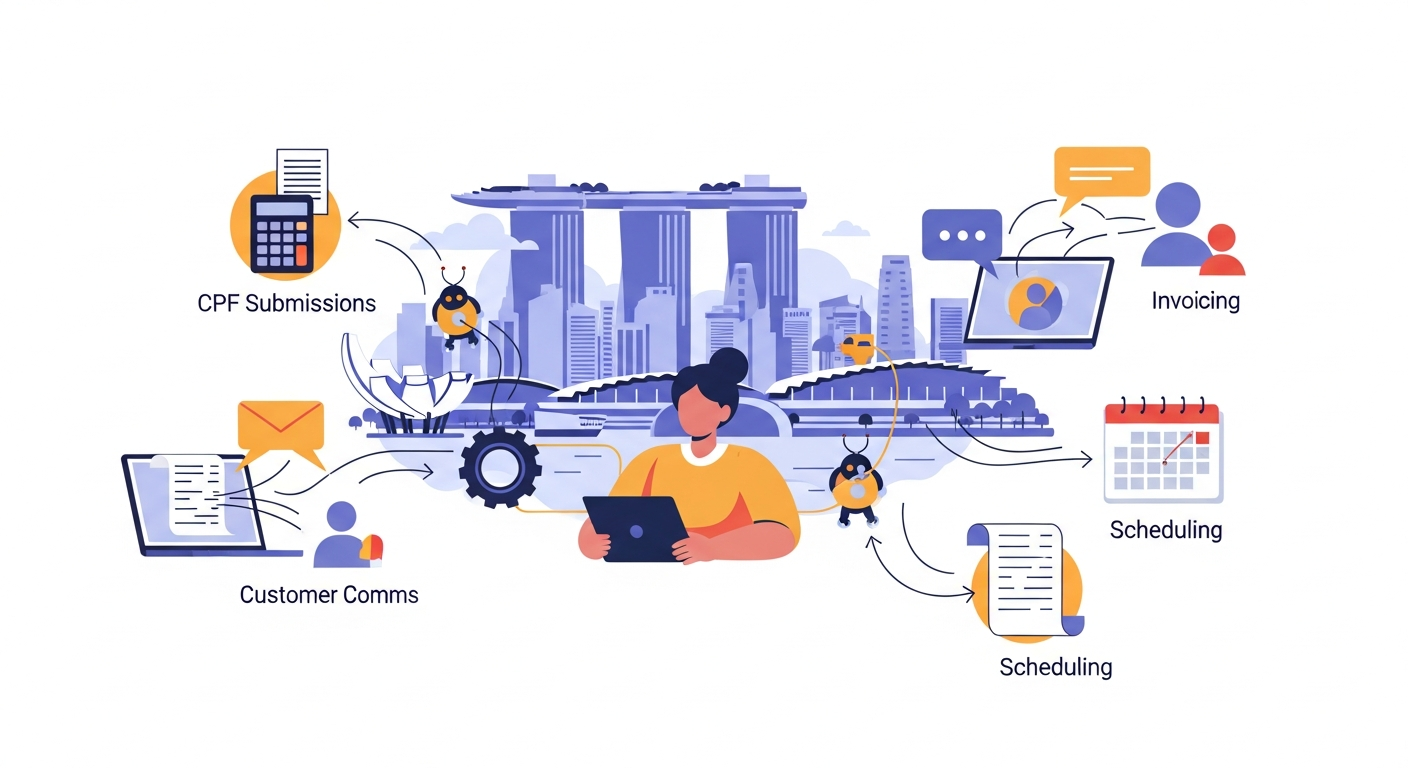
How to Automate Small Business Admin Tasks in Singapore (A Practical Guide for SME Owners)
Most automation guides for small businesses are either too generic or locked behind expensive software demos. This one is built specifically for Singapore SMEs — covering CPF, IRAS, PayNow, and the real tasks eating your weekday mornings.
Why Singapore SME Owners Are Still Doing Admin Manually
If you're running a small business in Singapore, you're likely spending 10–15 hours a week on tasks that don't directly earn revenue: chasing invoices, filing payroll, updating spreadsheets, replying to the same customer enquiries. The irony is that Singapore has one of the most digitally connected business ecosystems in the world — yet most SME owners haven't connected the dots between the tools available and the hours they could save.
This guide cuts through the generic advice and gives you actionable automation steps for the most common Singapore SME admin workflows.
Step 1: Automate Singapore Payroll and CPF Submissions
Payroll is the most time-sensitive and error-prone admin task for SMEs with employees. Here's how to reduce manual work significantly:
Use CPF-integrated payroll software
Tools like Talenox, Payboy, and HReasily are built specifically for Singapore and sync directly with CPF Board's submission portal. Instead of manually calculating CPF contributions and logging into the CPF e-Submit portal each month, these tools:
- Auto-calculate employee and employer CPF contributions based on wage type and age bracket
- Generate IR8A forms for IRAS tax season
- Submit directly to CPF Board with one click
- Track NS makeup pay and government-paid leave (NSman, maternity, paternity)
Cost context: Most of these tools start from SGD 3–6 per employee per month. For a 5-person team, that's under SGD 360/year — likely less than 2 hours of your billable time monthly.
Set up auto-reminders for payroll deadlines
Even if you're not ready for full software, use Google Calendar with recurring reminders for CPF submission deadlines (14th of each month) and IRAS filing periods. Simple, free, effective.
Step 2: Automate Customer Communications
Customer enquiries, appointment reminders, and follow-up messages are huge time sinks. Here's how to handle them without hiring extra staff.
WhatsApp Business Auto-Replies
Most Singapore SME customers contact via WhatsApp. The free WhatsApp Business app lets you set:
- Away messages (auto-reply outside business hours)
- Greeting messages (first-time contacts)
- Quick replies (saved responses for FAQs like pricing, location, operating hours)
For more advanced flows — like sending order confirmations or appointment reminders — WhatsApp Business API via providers like Sleekflow or Wati allows full automation sequences.
Automate Appointment Booking
If your business runs on appointments (clinics, salons, consultants), tools like Calendly, SimplyBook.me, or Setmore let customers self-book online. They automatically:
- Send confirmation and reminder emails/SMS
- Block your calendar
- Collect intake forms before the appointment
This alone can eliminate 30–50 confirmation messages per week.
Step 3: Automate Invoicing and Payment Collection
Late payments are a cash flow killer for small businesses. Automation helps you get paid faster without awkward follow-up calls.
Connect invoicing to PayNow
Tools like Xero, QuickBooks, and Financio (popular with Singapore SMEs) can generate invoices that include your PayNow QR code or UEN directly. When payment is received, some tools auto-reconcile the transaction if linked to your bank.
DBS, OCBC, and UOB all offer business banking APIs or integration with accounting software — worth checking if your bank supports direct bank feed connections.
Automate payment reminders
Set up automatic invoice reminders at:
- 3 days before due date
- On the due date
- 3, 7, and 14 days overdue
Xero and QuickBooks both support this natively. You write the reminder once; the system handles the rest.
Step 4: Automate Singapore-Specific Compliance Tasks
This is the section most automation guides skip entirely.
IRAS GST Filing
If you're GST-registered, quarterly filings are mandatory. Xero and QuickBooks both have GST reporting built in for Singapore's tax codes. They auto-categorise transactions and generate the F5 return figures — you still submit via myTax Portal, but the number-crunching is done.
MOM Regulatory Reminders
Work pass renewals (EP, S Pass, Work Permit) have strict deadlines. Missing them results in fines. Use a simple tool like Notion, Airtable, or even Google Sheets with automated email alerts (via Zapier) to track expiry dates and trigger reminders 60 and 30 days out.
Corppass and Government Portal Logins
While you can't automate Singpass/Corppass logins themselves (for security reasons), you can automate the surrounding workflow: use a password manager like 1Password for Business to store credentials securely, and use calendar automation to schedule recurring tasks that require portal access (e.g. MOM levy payments, ACRA annual returns).
Step 5: Automate Inventory and Order Management
For retail, F&B, or product-based businesses:
Point-of-sale systems with inventory sync
Square, Lightspeed, and Shopify POS automatically deduct stock when a sale is made. Connect them to a supplier reorder workflow using Zapier or Make (formerly Integromat) — for example: when stock of an item drops below a threshold, automatically send a reorder email to your supplier.
Sync your e-commerce with fulfilment
If you sell on Shopee, Lazada, or your own website, tools like EasyStore or Linnworks centralise orders across platforms so you're not manually copying order details between tabs.
The Right Automation Stack for a Lean Singapore SME
You don't need to automate everything at once. Here's a practical starting stack by business size:
Solo or 1–2 staff:
- WhatsApp Business (free) for customer comms
- Wave Accounting (free) for invoicing
- Calendly free tier for appointments
- Google Workspace for document templates and reminders
3–10 staff:
- Payboy or Talenox for payroll + CPF (~SGD 30–60/month)
- Xero for accounting + GST (SGD 30–50/month)
- Zapier free tier to connect apps
- WhatsApp Business API via Sleekflow for customer flows
10–30 staff:
- Full HReasily or Carbons HR suite
- Xero or QuickBooks with bank feed
- Make.com for complex multi-step automation
- Airtable for compliance tracking
How to Calculate ROI Before You Spend
Before committing to any tool, estimate your current cost:
Hours spent per month on the task × your effective hourly rate = current cost
If you spend 8 hours/month on payroll admin and your time is worth SGD 50/hour, that's SGD 400/month. A SGD 60/month payroll tool pays for itself immediately — and removes the risk of CPF miscalculations.
Most SME owners underestimate how much their admin time actually costs because they don't bill themselves for it. Start there.
Start With One Workflow, Not Ten
The biggest mistake SME owners make is trying to automate everything at once, getting overwhelmed, and abandoning it entirely.
Pick the single most painful recurring task — usually payroll or invoice follow-ups — and automate just that this month. Once it runs smoothly for 4 weeks, add the next one. Within a quarter, you could realistically reclaim 8–12 hours a month without hiring anyone or spending heavily on software.
Singapore's SME digital infrastructure is genuinely good — CPF Board, IRAS, and MOM all support digital submissions. The tools exist. The gap is knowing which ones to use and in what order.
Start small, stay consistent, and let the automation compound.