How to Automate Customer Data Management for Your Small Business in Singapore (A Practical Step-by-Step Guide)
Learn how to automate customer data management for your Singapore small business — PDPA compliance, WhatsApp integration, local tool pricing, and real SME examples included.
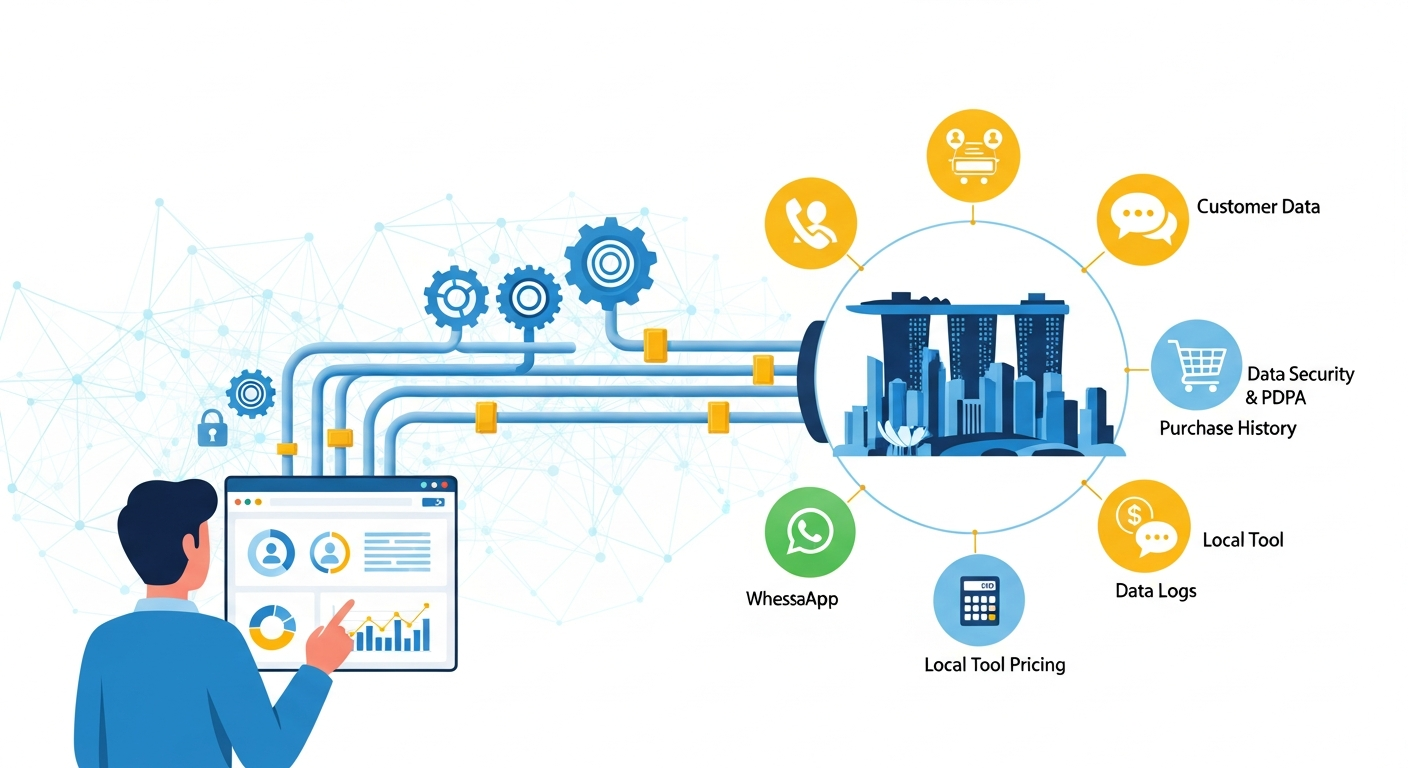
How to Automate Customer Data Management for Your Small Business in Singapore (A Practical Step-by-Step Guide)
Most guides on this topic point you to a list of CRM software and leave you to figure out the rest. This post does the opposite — it walks you through exactly how to set up customer data automation in a Singapore SME context, including PDPA compliance, local platform integrations, and realistic budget options.
Why Automation Matters More Than Ever for Singapore SMEs
Managing customer data manually — spreadsheets, WhatsApp message threads, email inboxes — works until it doesn't. When you're handling 200+ contacts, missed follow-ups and duplicate records start costing you real revenue.
Beyond efficiency, there's a compliance angle: Singapore's Personal Data Protection Act (PDPA) requires businesses to manage customer data responsibly. Manual processes make it hard to honour data deletion requests, track consent, or demonstrate accountability if audited.
Automation solves both problems at once.
Step 1: Audit What Customer Data You Already Have
Before touching any software, map out where your customer data currently lives:
- WhatsApp Business chats
- Google Sheets or Excel files
- Email inboxes (Gmail, Outlook)
- Point-of-sale systems (if retail/F&B)
- Booking platforms (Calendly, Setmore, Chope)
- Paper forms or business card piles
List every touchpoint where a customer's name, phone number, email, or purchase history gets captured. This is your "data inventory" — and it's required under PDPA if you ever face a data request.
Step 2: Choose the Right Automation Stack (With Local Pricing)
You don't need enterprise software. Here are practical options across three budget tiers:
Budget Tier 1: Free / Under SGD $30/month
- HubSpot CRM (Free tier) — contact management, deal pipelines, email tracking. No cost for up to 1,000 contacts.
- Zoho CRM (Free for 3 users) — strong automation rules, decent mobile app. Paid plans start at ~SGD $22/user/month.
- Notion + Zapier — DIY setup. Use Notion as your database; Zapier connects your forms, emails, and WhatsApp tools. Zapier free plan allows 100 tasks/month.
Budget Tier 2: SGD $30–$100/month
- Freshsales (Growth plan ~SGD $18/user/month) — built-in phone, email sequences, AI contact scoring.
- Monday.com CRM — visual pipeline, easy for non-technical teams. Starts ~SGD $15/user/month.
- Brevo (formerly Sendinblue) — best for email + SMS automation combined. Free up to 300 emails/day; paid from ~SGD $25/month.
Budget Tier 3: SGD $100+/month (scaling SMEs)
- Salesforce Essentials — overkill for most small businesses, but strong if you're integrating with inventory or ERP systems.
- Pipedrive — clean UI, strong automation. ~SGD $21/user/month on Essentials.
Local tip: Many of these vendors offer IMDA's SMEs Go Digital subsidies under the Pre-Approved Solutions List. Check the GoBusiness Singapore portal — eligible SMEs can get up to 50% funding support on qualifying software.
Step 3: Integrate With Singapore-Specific Platforms
This is where most generic guides fall short. Singapore SMEs live on platforms like WhatsApp Business and increasingly use Singpass-linked onboarding. Here's how to connect them.
WhatsApp Business Integration
Most Singapore customers contact businesses via WhatsApp. To pull those conversations into your CRM automatically:
- Upgrade to WhatsApp Business API (via providers like Sleekflow, Wati, or MessageBird — all with Singapore support).
- Connect the API to your CRM using a native integration or Zapier.
- New contacts who message you are automatically created as leads in your CRM, with conversation history attached.
Sleekflow (Singapore-founded) offers a free plan and integrates directly with HubSpot, Salesforce, and Shopify — making it particularly practical for local SMEs.
Singpass MyInfo Integration
If your business collects customer data during sign-up (insurance, finance, tuition, healthcare), Singpass MyInfo lets customers pre-fill their personal details with verified data. This reduces form errors and means you collect cleaner data from day one. Integration requires registering as a developer at api.singpass.gov.sg — more relevant for service businesses with formal onboarding.
Shopify / WooCommerce (for eCommerce SMEs)
Connect your store to your CRM so every purchase automatically updates the customer profile. Use Zapier or native plugins to sync order data, tag customers by purchase history, and trigger follow-up sequences.
Step 4: Set Up Your First Automation Workflows
Start with three high-impact workflows before building anything complex:
1. New Contact Auto-Capture Trigger: Customer fills in a contact form, WhatsApp opt-in, or booking form. Action: CRM creates a new contact record, assigns it to the right team member, and sends a welcome email or WhatsApp message.
2. Follow-Up Reminder Trigger: No response from a lead after 3 days. Action: Automated reminder task assigned to sales rep, or a follow-up email sent automatically.
3. Data Enrichment Trigger: New contact created. Action: Tool like Clearbit or Hunter.io auto-fills company name, LinkedIn profile, or industry — saving manual research time.
Step 5: Stay PDPA Compliant as You Automate
Automation can make PDPA compliance easier, but only if you build it in from the start.
Key PDPA obligations for Singapore SMEs:
- Consent: Collect data only with clear, informed consent. Use form checkboxes that log timestamp and consent wording — most CRMs support this natively.
- Purpose limitation: Don't use data for purposes beyond what you told the customer. Tag data by source and purpose in your CRM.
- Access and correction requests: If a customer asks what data you hold, your CRM should let you export their full record within 10 business days. Test this workflow before you need it.
- Data deletion: Set up an automated process so when a customer opts out or requests deletion, their record is removed (or anonymised) across all connected tools.
- Breach notification: Under the 2021 PDPA amendments, notify PDPC within 3 days of a significant breach. Store your data with providers that have ISO 27001 or SOC 2 certification.
The PDPC's Data Protection Trustmark (DPTM) is worth pursuing if you handle significant volumes of customer data — it signals trustworthiness to B2B clients.
Real SME Example: A Singapore Tutoring Centre
A five-staff tutoring centre in Tampines was managing 300+ parent contacts across WhatsApp, a Google Sheet, and paper registration forms. Problems: duplicate records, missed fee reminders, no consent trail.
What they did:
- Moved to Zoho CRM Free for contact management.
- Connected Wati (WhatsApp API) so new enquiries created CRM leads automatically.
- Built a Zapier workflow: Google Form registration → Zoho contact created → welcome WhatsApp message sent → follow-up reminder scheduled after 48 hours.
- Added a PDPA consent checkbox to their registration form, with responses logged in Zoho.
Result: Setup took one weekend. Monthly cost: SGD $0 (free tiers). They now handle twice the leads with the same team.
Where to Start This Week
You don't need to automate everything at once. Pick the one place where customer data falls through the cracks most often — usually WhatsApp enquiries or form submissions — and automate just that first.
From there, each connected workflow compounds. By month three, you'll have a system that captures, qualifies, and follows up with customers while you focus on actually running your business.
If you're eligible for SME digital grants, check GoBusiness before paying full price — subsidised CRM adoption is one of the most underleveraged benefits available to Singapore small businesses right now.