Customised AI Automation for Data Entry: The Complete Business Guide
Most search results for this topic waste your time debating spelling conventions. This post skips that entirely and answers the real question — how do you implement AI automation for data entry that's actually built around your data, your formats, and your workflow?
Why Generic AI Tools Fall Short for Data Entry
Off-the-shelf AI tools are built for the average use case. If your business has average data, average formats, and average workflows, they might work fine. Most businesses don't.
Think about what "data entry" actually looks like across industries:
- A logistics company processing hundreds of vendor invoices in six different PDF layouts
- A healthcare clinic transcribing handwritten patient intake forms into an EHR system
- An e-commerce brand importing product specs from supplier spreadsheets with inconsistent column headers
- A law firm extracting clause data from contracts with non-standard formatting
A generic OCR tool or basic RPA bot handles none of these well without significant customisation. That's where customised AI automation for data entry becomes not just useful — but essential.
What "Customised" Actually Means in AI Data Entry Automation
Customisation in AI automation isn't about changing a font or adding your logo. It means training or configuring the AI to understand:
1. Your specific data schema What fields matter to you? Invoice numbers, client IDs, SKU codes, dates in a particular format? A customised system maps extracted data directly to your internal schema, not a generic template.
2. Your document types and layouts Custom AI models can be trained on your actual documents — your supplier invoices, your intake forms, your contracts — so they recognise layouts they've seen before and adapt intelligently to new ones.
3. Your validation rules Maybe every order ID must start with "ORD-" followed by six digits. A customised automation layer enforces that rule at extraction time, flagging anomalies before they pollute your database.
4. Your downstream systems The data has to go somewhere. Custom integrations pipe cleaned, structured data directly into your CRM, ERP, accounting software, or database — no manual copy-paste in the middle.
Key Components of a Customised AI Data Entry Automation Stack
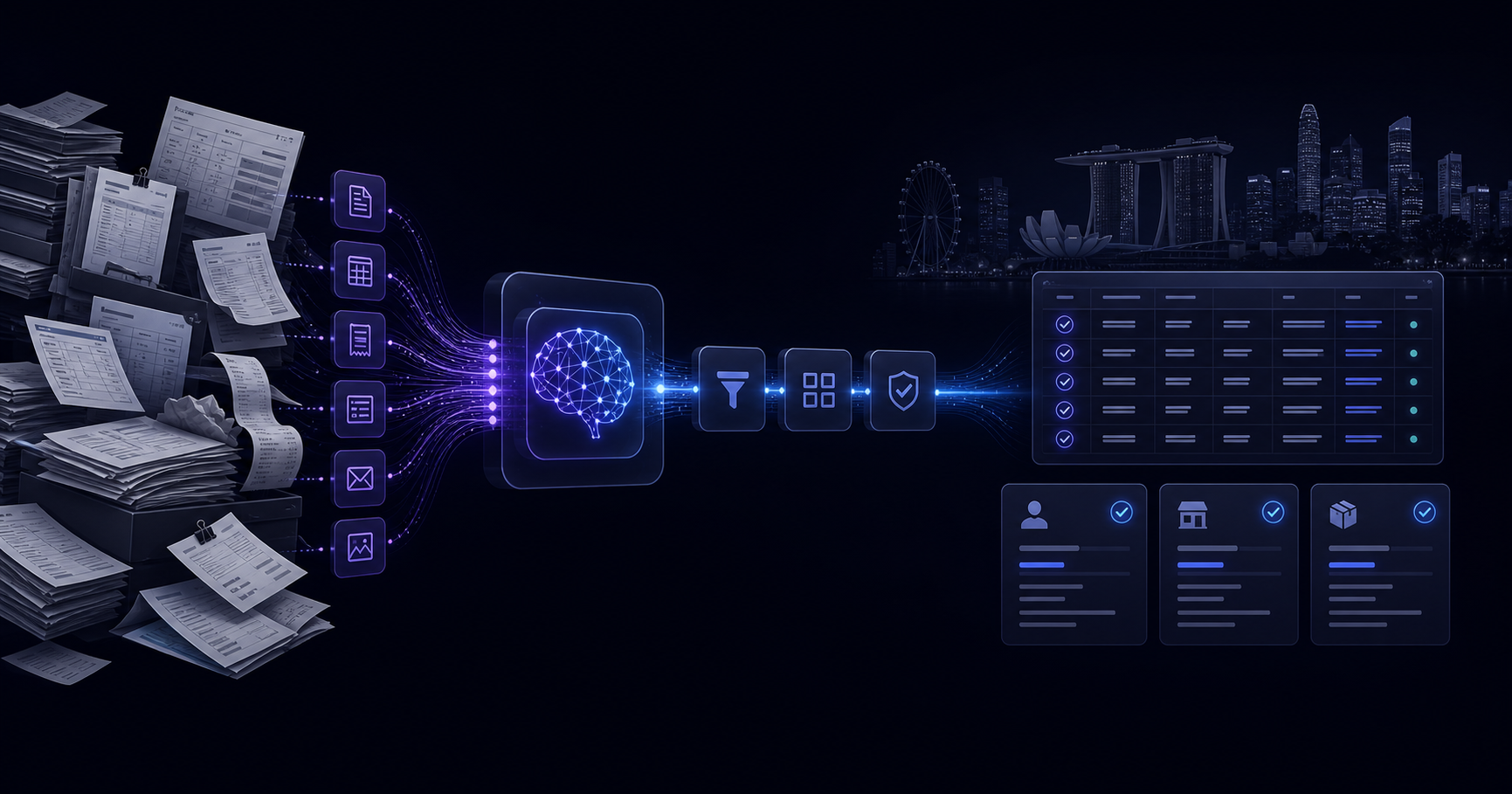
Here's what a properly built custom solution actually consists of:
Document Ingestion Layer
This handles how documents enter the system — email attachments, scanned uploads, API feeds, shared drives. A customised ingestion layer filters by file type, source, or metadata and routes documents to the right processing pipeline.
AI Extraction Engine
This is the core. Modern AI extraction uses a combination of:
- Optical Character Recognition (OCR) — converts images and scanned text to machine-readable characters
- Named Entity Recognition (NER) — identifies what the extracted text is (a date, a dollar amount, a name)
- Large Language Models (LLMs) — understand context and ambiguity, like distinguishing "Bill To" from "Ship To" on an invoice
Customisation here means fine-tuning or prompt-engineering these components on your document types. The more domain-specific your documents, the more this matters.
Validation and Review Layer
Even a 99% accurate AI makes mistakes at scale. A good custom system:
- Auto-approves high-confidence extractions
- Flags low-confidence fields for human review
- Learns from corrections over time (active learning)
This human-in-the-loop design keeps accuracy high without requiring human review of every record.
Integration and Output Layer
Data flows out in the format your downstream system needs — JSON to an API endpoint, rows to a database, fields mapped to a CRM. This layer is where customisation pays off most visibly: zero reformatting, zero copy-paste, zero re-keying.
Real-World Use Cases for Customised AI Data Entry Automation
Accounts Payable Automation
Finance teams processing supplier invoices deal with dozens of different vendor formats. A customised AI system learns each vendor's layout, extracts line items, totals, tax amounts, and PO numbers, then posts directly to the accounting system. Approval workflows trigger automatically based on extracted values.
Result: Processing time drops from minutes per invoice to seconds. Exception queues shrink by 70–80%.
Healthcare Form Processing
Patient intake forms, insurance pre-authorisation documents, and referral letters arrive in inconsistent formats. Custom AI models trained on your specific form types extract structured data into EHR fields, with HIPAA-compliant handling throughout.
Result: Administrative staff focus on patient interaction, not keyboard entry.
Retail and E-Commerce Product Data
Suppliers send product catalogues in Excel, PDF, or CSV — all differently structured. A custom automation layer normalises incoming data against your product schema, flags missing required fields, and loads clean records into your PIM or inventory system.
Result: New product launches that once took days of manual prep happen in hours.
Legal and Compliance Document Review
Contracts, NDAs, and regulatory filings contain critical data — effective dates, jurisdiction clauses, penalty thresholds. Custom AI extracts these into structured fields, enabling portfolio-level analysis that was previously impossible without expensive manual review.
Result: Legal teams get analytical capability without headcount increases.
How to Evaluate a Customised AI Automation Solution
When assessing vendors or platforms, ask these specific questions:
- Can it train on my documents? Pre-built models are a starting point, not a finish line. You need the ability to fine-tune on your actual data.
- What's the confidence threshold logic? How does it decide what to auto-approve vs. flag for review?
- How does it handle exceptions? Every real-world dataset has edge cases. What happens when it encounters one?
- What integrations are available out of the box? And what's the path to custom integrations?
- How does it improve over time? Look for active learning, correction feedback loops, and model retraining cycles.
- What does implementation actually take? Get specifics on timeline, data requirements for training, and who's responsible for what.
Build vs. Buy: Making the Right Decision
You have three realistic options:
1. Full custom build Highest flexibility, highest cost and timeline. Appropriate for enterprises with unique, complex workflows and in-house technical capacity.
2. Configurable platform Platforms like ours let you configure AI automation without building from scratch. You get the customisation depth you need — schema mapping, validation rules, integrations — at a fraction of custom development cost and time.
3. Generic off-the-shelf tool Lowest cost, lowest customisation. Works for truly standard use cases (simple contact forms, basic spreadsheet imports). Breaks down fast when your data gets complex.
For most mid-sized businesses, a configurable AI automation platform hits the sweet spot: meaningful customisation without the six-month engineering project.
Getting Started Without Overcomplicating It
You don't need to automate everything at once. The best approach:
- Identify your highest-volume, most repetitive data entry task — the one your team dreads most
- Audit a sample of those documents — note the layouts, fields, and edge cases
- Map your ideal output — what fields, in what format, going where
- Run a pilot — most platforms support a proof-of-concept on a narrow use case before full deployment
- Measure, refine, expand — use accuracy rates and processing time as your benchmarks
The Bottom Line
Customised AI automation for data entry isn't a luxury for large enterprises. It's a practical, deployable solution for any business where manual data entry is consuming time, introducing errors, or creating bottlenecks.
The key word is customised. Generic tools solve generic problems. Your data entry challenges are specific to your documents, your systems, and your workflows — and your automation solution should be too.
If you'd like to talk through your situation, book a 30-minute call.